Tools
A practical checklist for testing your hackathon demo
Test the journey a judge will actually take, including empty inputs, failed requests, keyboard access and a fresh browser session.
HackHoster Team · · 4 min read

At a glance
- Test one complete user journey before adding more isolated checks.
- Include empty input, failed requests and recovery in your demo rehearsal.
- Use visible labels and test the main controls with a keyboard.
- Rehearse from a fresh session using the exact links you will submit.
Practical guidance from HackHoster. Sources and illustration credits accompany the article. Publishing standards and corrections.
Test your hackathon demo by following the same journey a new reviewer will take: open the submitted link, understand the task, provide sample input and reach a useful result. Then repeat that journey with an empty input, an unavailable service and a fresh browser session. These checks expose problems a polished recording can hide.
The goal is a dependable demonstration of the work you have finished. You do not need a huge test suite for a small prototype. You do need evidence that the central workflow works and that a person can understand what to do when it fails. Use the current monthly rules to check the exact submission format.
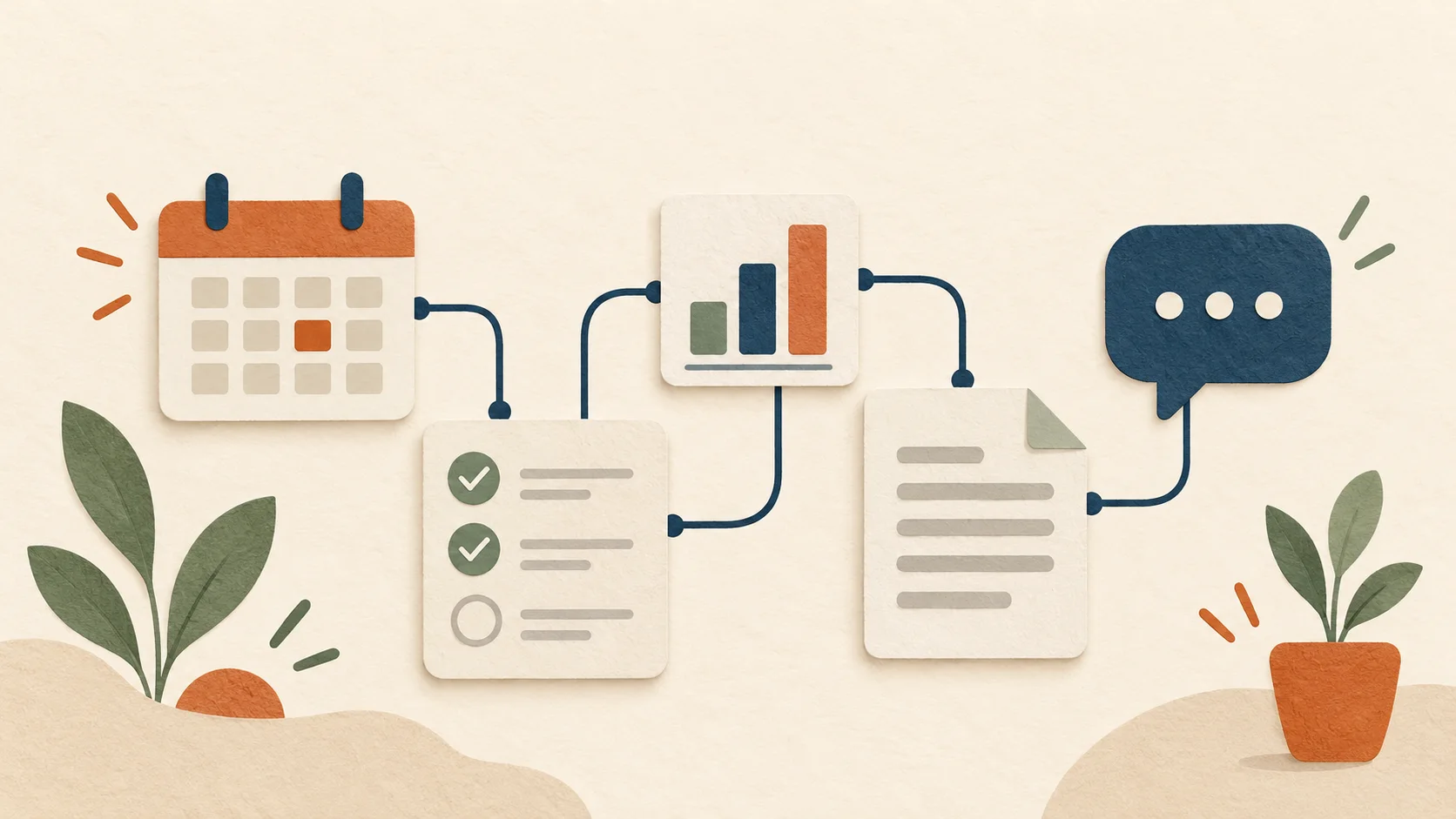
Write one realistic test journey
Choose the task that best demonstrates the project’s value. Write it as a sequence of user actions with observable outcomes. For a club task planner, a journey might be: open the app, paste the supplied notes, create a draft, edit one owner and export the checklist. Check the exported content instead of stopping at the presence of a success message.
Use the sample data you plan to publish in the README. A reviewer should be able to repeat your demonstration without recreating your development setup. Make sure the sample has enough detail to show why the project helps. A tiny happy-path example can be useful, but it should not be the only evidence you inspect.
Keep a second example that exercises a difficult case. For an AI tool, that might mean ambiguous notes or an unsupported request. For a data dashboard, try a missing column. Write the expected behavior before testing so you can distinguish a convincing-looking result from a correct one.
Check what the user sees during a request
Start the main operation and observe the loading state. Does the interface explain what is happening? Can someone accidentally start the same expensive action several times? Does a disabled button look and behave differently? If an operation takes longer than usual, a plain status message is more useful than an unexplained spinner.
Also check the end of the operation. The user should be able to identify the result, see whether it has been saved and understand the next action. If the output requires review, say so near the output. Do not rely on a statement buried in the project description to explain every generated answer.
Record any confusing moments during the test. Fix the biggest interruption to the journey first. A working retry button or a clearly labeled export often helps the demonstration more than another decorative panel. Keep the changes focused enough that you can retest the full path afterward.
Try empty, invalid and failed states
Submit an empty form. Try a file with the wrong format, a value outside the supported range and a request that returns no results. The interface should explain the problem in ordinary language and preserve useful input when possible. Check that validation messages point to the relevant field rather than appearing far away without context.
Simulate an unavailable dependency in a development environment. Observe what happens when the request fails or times out. The screen should stop waiting, avoid presenting a partial response as complete and offer a sensible recovery action. Do not expose raw credentials, internal stack traces or sensitive sample data in the message.
A useful failure test has two parts: the app tells the truth about what went wrong, and the person can understand how to continue.
Keep a short log of failures you have not fixed. Include the most relevant limitations in your README. An honest boundary lets someone evaluate the working scope without discovering every unfinished corner by accident.
Use a keyboard and read the labels
Try the main journey without a mouse. Move through fields and buttons, activate the primary action and check that you can see which control has focus. If a dialog opens, verify that its controls are reachable and that there is a clear way to close it. Do not let a decorative overlay trap the person outside the workflow.
Give form controls visible, descriptive labels. W3C’s labeling guidance explains ways to associate labels with controls so their purpose is available to assistive technology. A placeholder alone can disappear while someone types, so use a persistent label where the task needs one.
Check messages at a narrow viewport and with increased text size. Important actions should remain readable and reachable. A single manual pass cannot establish complete accessibility, but it can reveal obvious obstacles before you ask other people to use the prototype.
Automate the behavior that would hurt to break
For a small web app, start with one automated test for the complete main task. Assert what the user can see and do rather than the internal implementation. Use a predictable local fixture or controlled test response for external services so a provider outage does not make every run meaningless.
Playwright’s best practices recommend user-facing locators and isolated tests. For a hackathon prototype, a button’s accessible name is often a clearer test target than a fragile chain of layout selectors. Keep independent tests from depending on one another’s stored browser state.
Add another test when there is a meaningful risk, such as submitting the wrong project, losing edited output or accepting unsupported input. Avoid building dozens of checks that only confirm the same static text. Spend the remaining time on behavior that affects the person trying the app.
Rehearse the submitted version
Open the public demo in a private or fresh browser session. Follow the README exactly, including any sign-in step. Check every submitted link as a reader who is not a repository collaborator. Verify the walkthrough has usable audio or captions and shows the same version as the public app.
Run the sample task one final time after the last code change. Confirm that your project has the required source link, demo and description. On HackHoster, check that the entry is submitted rather than saved as a draft before the deadline shown on the monthly page. Leave time to fix a broken link while there is still time to submit.
Sources
More from the blog

Tools ·
Design synthetic sample data that actually tests your idea
Build a small set of fictional records with clear expectations, difficult cases and repeatable reset steps for your demo.
4 min read

Tools ·
How a small hackathon team can avoid painful handoffs
Agree on interfaces, keep changes reviewable and leave enough context for teammates to continue without waiting for a call.
4 min read

Tools ·
Record a demo that shows the work instead of hiding it
Plan a short walkthrough around the problem, one real journey, a useful result and the limitations a viewer needs to understand.
4 min read